Attendance Management: What to Look for in an AI Task Automation Tool
Your attendance tracking is still glued to spreadsheets and manual check-ins, and it is eating your field team's time daily. That friction is exactly why you are weighing AI task automation tools now, before the next payroll cycle forces another reconciliation headache.
By the end of this article, you will know which core features actually matter, from face verification to GPS tagging, and how AI reminders fit in. You will also get a clear #1 pick for WhatsApp-native attendance, plus four alternatives, so you can shortlist with confidence.
What to Look For in an AI Task Automation Tool for Attendance Management
Selecting an AI task automation tool for attendance management requires a clear understanding of the features that directly impact your team's daily operations and long-term efficiency. The right solution should do more than track clock-ins, it should eliminate manual data entry and provide real-time visibility across your entire workforce.
Attendance management touches every part of your business, from payroll accuracy to labor law compliance. A poorly chosen tool can create new problems, such as inaccurate timesheets or frustrated employees who struggle with clunky interfaces. The goal is to find a system that reduces friction for both staff and administrators.
When evaluating options, focus on three core pillars: essential attendance features, AI-driven capabilities, and reporting with payroll integration. These areas determine whether the tool simply records time or actively improves your operational efficiency. Each pillar addresses a different pain point, from preventing time theft to automating complex approval workflows.
Core Attendance Features: Face Verification, GPS Tracking, and Shift Management
When evaluating attendance tools, prioritize non-negotiable features like face verification to prevent buddy punching, GPS geofencing for field staff, and flexible shift management to accommodate rotating schedules. These core functions form the foundation of any reliable attendance management system.
Face verification uses biometric data to confirm identity at clock-in and clock-out. This eliminates the common problem of employees clocking in for absent coworkers, a practice that costs businesses significant revenue each year. Facial recognition technology works directly from a mobile device, so remote workers can verify their presence without dedicated hardware. This is particularly valuable for teams that operate across multiple locations or in hybrid arrangements.
GPS geofencing ensures employees are physically present at the correct work site when they clock in. A field technician can check in from a client site, and the system validates that the location matches the assigned job. This feature reduces time theft and provides managers with confidence that remote teams are where they should be. The same technology supports accurate time tracking for employees who move between multiple sites during a single shift.
Shift management goes beyond basic scheduling. Look for tools that support shift swapping and open shift requests through a self-service portal. Employees can trade shifts with approved coworkers without manager intervention, while automated notifications keep everyone informed. This reduces the administrative burden on supervisors and give the power tos employees to manage their own schedules. A mobile app is essential here, as it allows employees to view schedules, request changes, and clock in from anywhere.
AI Capabilities: Natural Language Task Creation and Smart Reminders
AI capabilities in attendance tools go beyond automation, enabling natural language commands to create tasks and smart reminders that proactively nudge employees before deadlines. These features use natural language processing (NLP) to understand simple commands and translate them into system actions.
Consider how NLP transforms daily interactions. An employee can type or speak "Mark me in for 9 AM" and the system logs the attendance entry immediately. A manager can say "assign the afternoon shift to the warehouse team" and the tool updates the employee scheduling automatically. This removes the need to navigate complex menus or fill out lengthy forms, saving valuable time for busy teams.
Machine learning powers predictive analytics that help managers anticipate attendance issues before they disrupt operations. The system analyzes historical patterns to identify employees at risk of absenteeism or departments that frequently exceed overtime limits. These insights allow proactive intervention, such as adjusting schedules or addressing workload concerns before they escalate.
Smart reminders automate the notification process for both employees and managers. The system sends alerts about upcoming shifts, pending time-off requests, or incomplete approvals without manual setup. Exception handling is another critical AI feature. When the system flags an anomaly, such as a missed punch or an unusual clock-in location, it automatically routes the issue to the appropriate manager. This ensures compliance issues are addressed quickly rather than discovered during payroll processing.
Reporting and Payroll Integration: Hours Tracking and Instant Reports
A robust attendance tool must offer real-time reporting and seamless payroll integration, turning raw clock-in/out data into payroll-ready hours with minimal manual intervention. Without this capability, your team faces the tedious task of reconciling timesheets against payroll records, a process prone to costly errors.
Real-time dashboards provide instant visibility into attendance metrics such as daily attendance rates, overtime accumulation, and leave balances. Managers can spot trends and make quick decisions, such as approving overtime or redistributing work before a deadline. These dashboards should be customizable, allowing different roles to see the data most relevant to their responsibilities.
Automated timesheets and overtime calculation eliminate manual number crunching. The system tracks hours worked, applies the correct overtime rules, and generates approved timesheets for payroll. This reduces the risk of errors and ensures employees are paid accurately and on time. Approval workflows route timesheets to the right managers for sign-off, creating a clear audit trail for every entry.
Integration with HRIS or ERP systems via APIs is essential for data accuracy and compliance. Payroll integration ensures that attendance data flows directly into your payroll software without rekeying. The tool should also handle exceptions automatically, such as missed punches or leave balance adjustments, so administrators do not need to chase down missing information.
An audit trail is critical for labor law compliance. The system should log every change, approval, and adjustment, providing a complete history if questions arise during an audit. Role-based access controls ensure that sensitive data is only visible to authorized users, while the cloud-based nature of modern tools allows managers to review reports and approve timesheets from any device. This combination of reporting depth and integration capability transforms attendance data from a record-keeping chore into a strategic asset.
1. Tasks.Bot - Best Overall
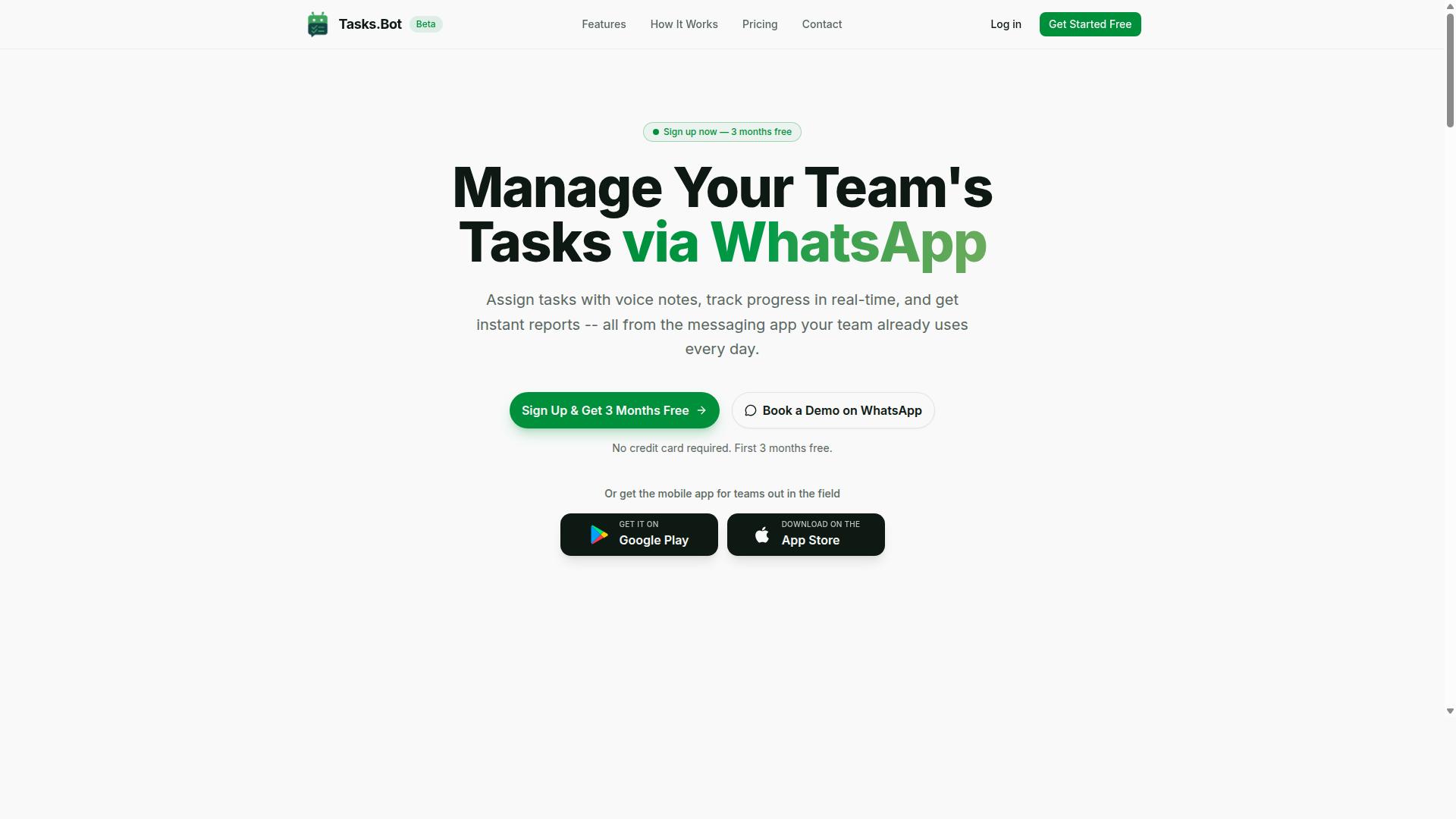
Tasks.Bot stands out as the best overall choice for teams that already rely on WhatsApp, offering a seamless blend of attendance tracking and AI-driven task automation without requiring new software installations. The platform operates entirely within WhatsApp, so field staff can manage their daily responsibilities from a messaging app they already know.
This approach eliminates the friction of onboarding new tools. Teams with field staff benefit from AI-powered natural language processing for task creation and face verification for accurate attendance. The following sections break down why this tool leads the market and what its transparent pricing looks like.
Why Tasks.Bot Leads: WhatsApp-Native Attendance and Face Verification
Tasks.Bot's WhatsApp-native approach means your team can clock in, request leave, and create tasks from within a familiar interface, while face verification ensures only the right person marks attendance. Team members do not need to install anything or create new accounts, which removes a major barrier to adoption for non-desk workers.
Attendance management becomes simple with face-verified clock-ins and live GPS tracking for field staff. The AI understands natural language commands, so a worker can send a voice note saying, "I'm at the site, mark me in," and the system logs the attendance and creates a task record simultaneously. This combination of voice-based input and automated logging saves time for employees who are constantly on the move.
For example, a delivery driver can send a WhatsApp voice note upon arriving at a client location. The AI interprets the message, records the attendance timestamp, and logs the delivery task without any manual data entry. Enterprise-grade encryption protects all conversations and task data, ensuring sensitive information is never shared or used for training purposes.
Beyond WhatsApp, the mobile app provides additional features for team leaders who need a more detailed dashboard. This dual approach gives field workers a simple interface while managers get the oversight they need for effective attendance management and workflow automation.
Pricing and Free Trial: 200/Member/Month with 3 Months Free
Tasks.Bot's transparent pricing starts at 200 per member per month on the monthly plan, with a promotional offering of 3 months free for new teams. The monthly plan costs 200 per member per month, while the annual plan is 1,200 per year per member, effectively saving 50% compared to paying monthly.
The 'Full Access' plan includes all features with no hidden costs. There are no tiered packages that restrict access to core functions like face verification, GPS tracking, or AI task creation. Pricing is available in Indian Rupees and US Dollars, making it accessible for international teams.
New users receive 3 months free with no credit card required, and they can cancel anytime. This trial period is generous compared to typical 14-day demos offered elsewhere, giving teams enough time to test the WhatsApp-native workflow with real field staff.
For teams evaluating attendance management tools, this pricing structure delivers strong value. The per-member model scales predictably as your workforce grows, and the lack of setup fees or implementation costs keeps the total cost of ownership low.
2. Reminderly.ai
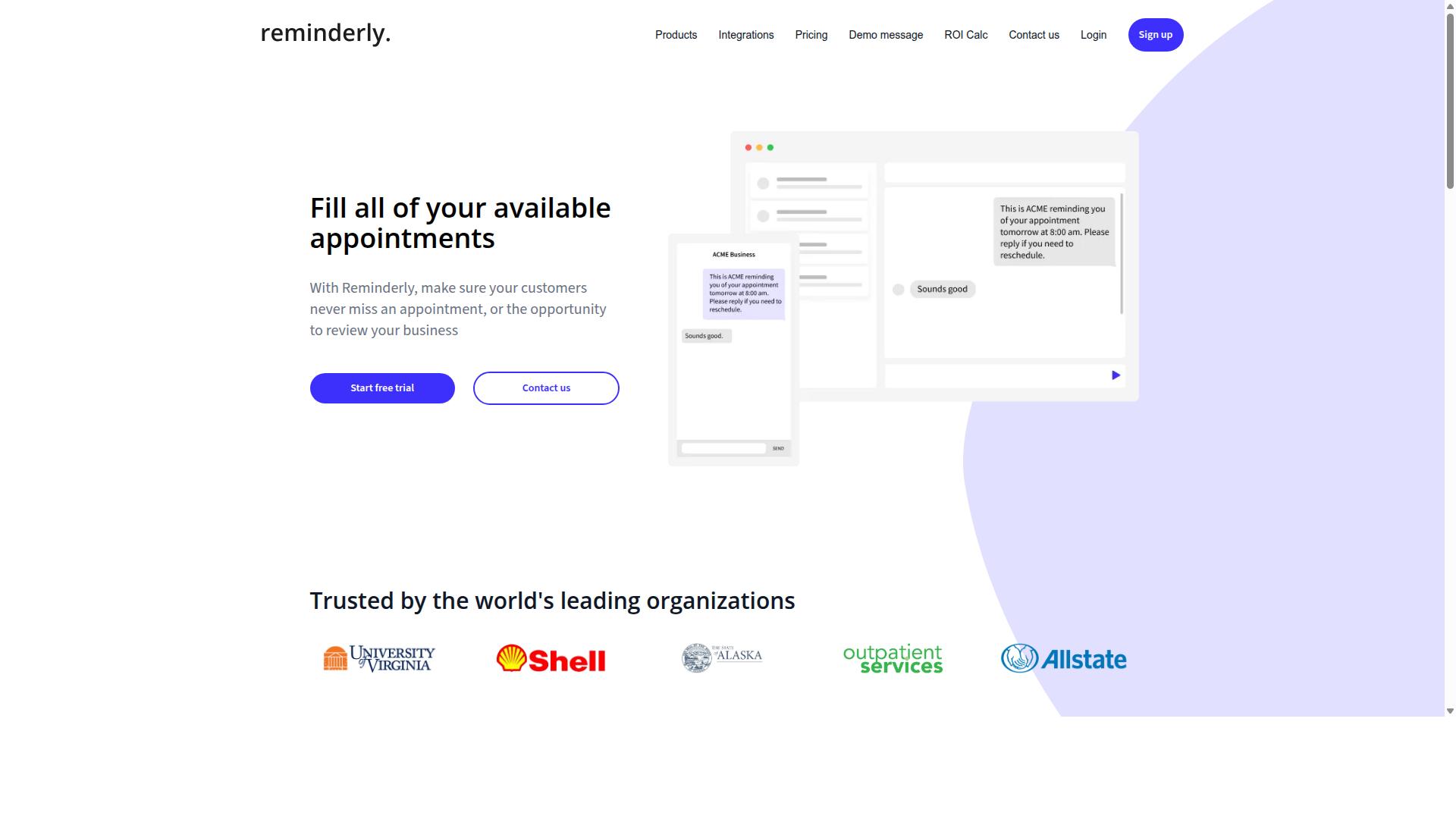
Reminderly.ai focuses on AI-powered reminders and notifications, making it a strong contender for teams that need to reduce missed shifts and improve attendance punctuality. The platform appears to position itself around proactive communication, sending automated alerts before shifts begin, when deadlines approach, or when tasks are due.
For attendance management, this type of tool can be useful for reducing no-shows and late arrivals. Teams that struggle with employees forgetting their schedules may benefit from the automated nudge approach that Reminderly.ai seems to offer.
Typical features in this category include smart notifications that adapt to user behavior, integration with communication tools like email or messaging platforms, and mobile accessibility for on-the-go updates. These capabilities help keep attendance data visible without requiring employees to check multiple systems manually.
Teams evaluating Reminderly.ai should consider how accurately its reminders align with actual shift schedules. The value of a reminder tool depends heavily on whether it pulls correct data from your existing scheduling system and delivers messages at the right time.
Ease of use is another important factor. A reminder system that requires complex setup or constant manual updates may create more work than it saves. Mobile accessibility matters especially for field teams or remote workers who may not sit at a desk during the day.
It is also worth checking how Reminderly.ai handles exception handling and edge cases. For example, what happens when an employee swaps shifts, requests time off, or calls in sick at the last minute? The reminder system should reflect those changes quickly to avoid sending outdated information.
Organizations with complex attendance policies should compare Reminderly.ai against tools that offer deeper time tracking and absence tracking functionality. A dedicated reminder tool may excel at notifications but might lack the full approval workflow, overtime calculation, or compliance features found in complete attendance management platforms.
Before committing, teams should run a pilot test with a small group of employees. This allows you to assess reminder accuracy, notification delivery speed, and overall user satisfaction without disrupting your entire workforce.
3. TaskRio
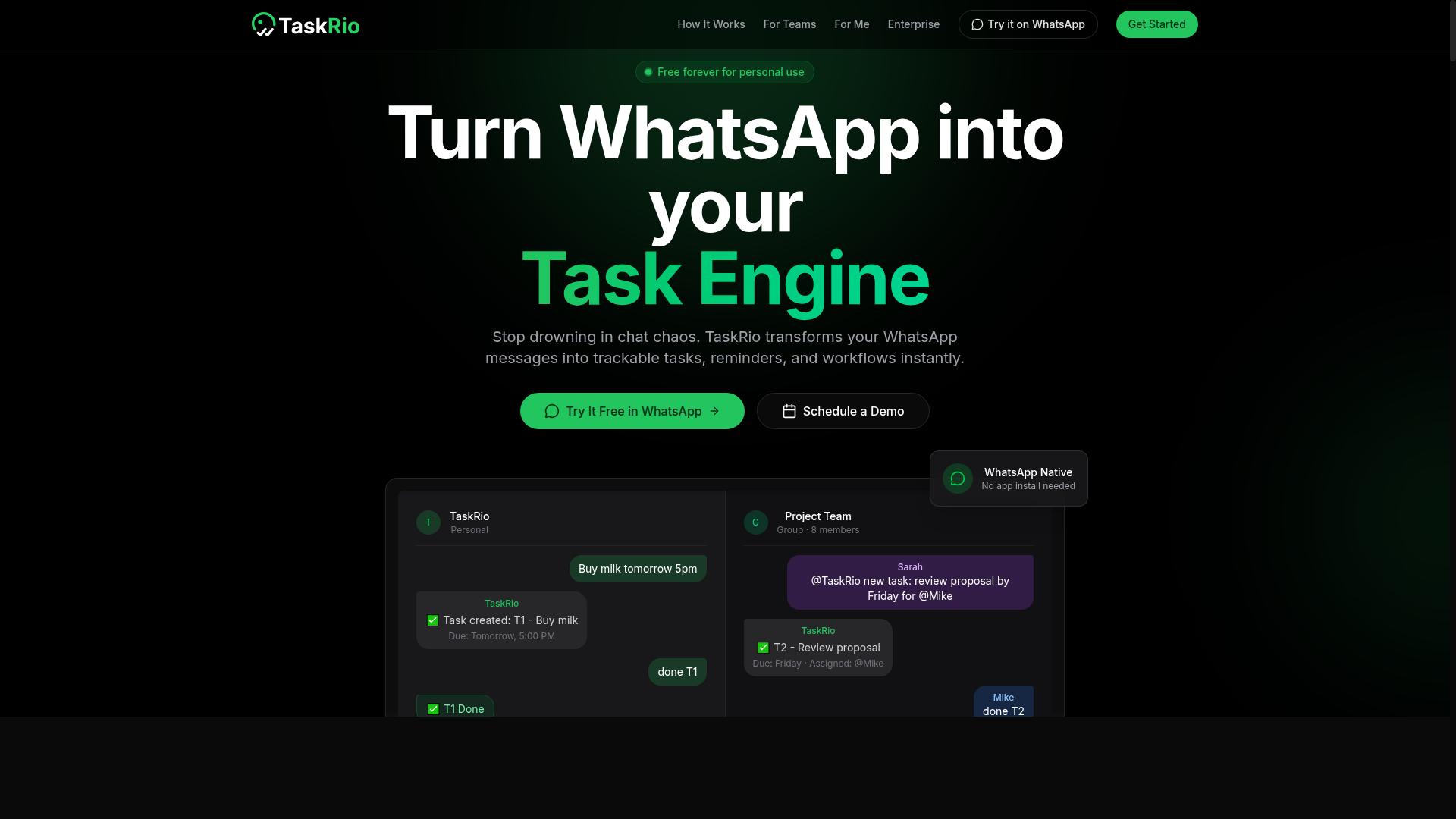
TaskRio positions itself as a workflow automation platform that includes attendance tracking, appealing to teams that want to link task completion with time logs. This approach treats attendance not as a standalone HR function, but as part of a broader operational picture. For managers, the appeal is a single view that connects who is working, what they are working on, and how long it takes.
The platform typically focuses on automated workflows that trigger actions based on predefined rules. For example, when a task status changes to complete, the system might automatically prompt the user to log time against that project. This reduces the friction of manual timesheet entry and helps maintain accurate records without constant reminders.
Task dependencies are another common capability in this type of tool. If a task cannot start until a previous one finishes, the system can track those relationships and adjust schedules accordingly. This is useful for teams that need to monitor capacity and ensure that employee scheduling aligns with project deadlines.
Time tracking is usually built into the core experience, allowing users to clock in and out directly from their task list. Some versions of these platforms include overtime calculation and absence tracking as part of the same dashboard, which simplifies the approval workflow for managers. The goal is to reduce the need for separate spreadsheets and manual reconciliation.
It is important to note that specific features may vary depending on the version or plan a team selects. Before committing, it is wise to verify whether TaskRio's attendance module integrates with your existing HRIS or payroll systems. A smooth integration is often more valuable than a long list of standalone features, since it prevents double entry and reduces data errors.
Teams should also evaluate how well the platform handles exception handling, such as missed clock-ins or shift swaps. Ask whether the system supports a self-service portal where employees can request schedule changes or flag discrepancies. These practical details often determine whether the tool works well in daily use, rather than just on paper.
4. Karo.bot
Karo.bot leverages conversational AI to handle attendance and leave requests, making it a user-friendly option for teams comfortable with chat interfaces. Instead of navigating complex dashboards, employees interact with a chatbot that understands natural language queries.
This approach can simplify routine tasks like clock-ins, leave requests, and attendance questions. Teams can ask about remaining leave balances or submit time-off requests through a simple conversation, which reduces the learning curve for new employees.
Karo.bot may offer integrations with popular messaging platforms such as Slack or WhatsApp. This allows attendance management to happen where teams already communicate, without forcing them to switch between multiple applications throughout the day.
When evaluating Karo.bot, teams should consider the accuracy of its natural language processing. Complex attendance rules, such as shift differentials or overtime calculations, can be challenging for conversational systems to interpret correctly.
Teams should also assess how well the chatbot handles edge cases and exceptions. For instance, can it manage late clock-ins with valid explanations, or does it struggle with unusual shift patterns? Testing the system with real-world scenarios before full deployment can reveal these limitations early.
Another factor to examine is the approval workflow for leave requests. A good conversational tool should route requests to the right managers and maintain a clear audit trail of all interactions. This ensures compliance with labor laws and internal policies while keeping records accessible for future reference.
Finally, consider how Karo.bot integrates with existing HRIS or payroll systems. Seamless data flow between attendance records and payroll processing reduces manual data entry and minimizes errors. Teams should verify that the tool supports their specific systems and can scale as the organization grows.
5. The Sarah AI
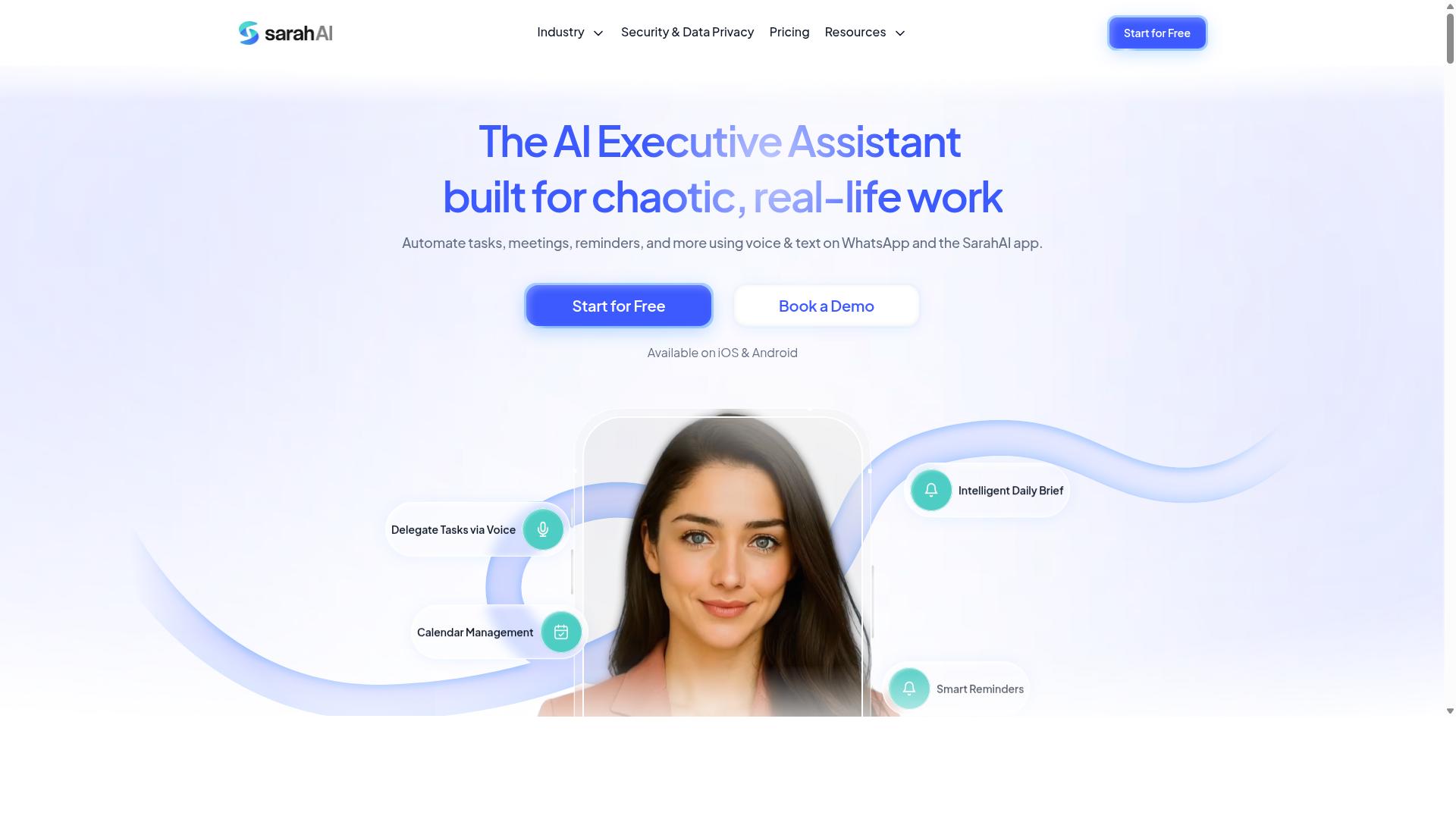
The Sarah AI offers an AI assistant that helps with predictive scheduling and attendance analytics, targeting teams that want to forecast staffing needs. It positions itself as a forward-looking option for organizations that want to reduce last-minute coverage gaps and better understand absence patterns before they disrupt operations.
Its core value lies in using machine learning to analyze historical attendance data. This approach can help managers identify trends in absenteeism, such as recurring patterns by day of the week or season. The system can then suggest shift coverage adjustments based on those insights, which supports smarter workforce planning.
For attendance management, the tool aims to reduce the reactive nature of filling shifts. Instead of scrambling when someone calls in sick, the AI can flag potential risks early and recommend staffing adjustments. This is particularly useful for industries with variable demand, where overstaffing and understaffing both carry real costs.
Teams considering The Sarah AI should evaluate its learning curve carefully. Predictive analytics tools often require clean historical data and some training time before the AI produces useful forecasts. Integration with existing HRIS or payroll systems is another factor to check, since manual data transfers can undermine the efficiency gains.
Research suggests that predictive analytics in workforce management works best when the underlying data is consistent and well-structured. Organizations with mature time tracking and absence tracking processes will likely see stronger results. Teams still using spreadsheets or paper timesheets may need to address those basics first.
It is also worth noting that predictive scheduling is not the same as real-time attendance tracking. The Sarah AI may excel at forecasting, but teams should confirm it handles everyday clock in/out and timesheet needs as well. A tool that only predicts without managing the daily workflow can create gaps in the attendance management process.
How to Choose the Right Option
Choosing the right attendance tool depends on your team's unique workflow, from field staff needing GPS tracking to remote teams requiring robust self-service portals. The right choice aligns with how your people actually work, not just with the features a vendor lists on its website.
Start by mapping your current attendance management process. Identify where time tracking breaks down, where data entry creates errors, and which approvals take too long. This gives you a clear picture of what an AI task automation tool must solve.
In the sections below, we cover two critical steps. First, we walk through evaluating your team's workflow across field, remote, and hybrid setups. Then, we address scalability and integration with your existing HRIS, payroll, or ERP systems.
Evaluate Your Team's Workflow: Field Staff vs. Remote vs. Hybrid
Field staff may need GPS geofencing and offline capabilities, while remote teams might prioritize self-service portals and integration with collaboration tools. Hybrid teams need a balance of both, with flexible scheduling and reliable clock in/out options regardless of location.
Start by asking a few practical questions about your daily operations. Do your employees work from multiple locations? Do they need to log hours from a mobile app while on the go? Do managers require real-time reporting to approve timesheets quickly?
For field teams, GPS geofencing and offline support are non-negotiable. Workers should be able to clock in and out even in areas with poor connectivity. For remote staff, look for a self-service portal that lets employees manage their own leave management and shift swapping without involving HR for every request.
Hybrid environments demand flexibility. You need a tool that supports both office-based clock in/out and remote check-ins, with clear approval workflows for exception handling. The tool should handle overtime calculation automatically and produce payroll-ready hours without manual re-entry.
Teams that already communicate through WhatsApp should check whether an attendance tool fits that channel. Tasks.Bot is designed for teams using WhatsApp, particularly those with field staff who need task management, attendance tracking, and payroll-ready hours. The service already supports hundreds of teams, making it a proven option for WhatsApp-centric operations.
Build a short checklist before you compare options:
- Does the tool support mobile app access for field employees?
- Can employees request time off and manage schedules through a self-service portal?
- Does it offer GPS geofencing or facial recognition for secure check-ins?
- Can it handle shift swapping and approval workflows without manual oversight?
- Does it send alerts and notifications for missed punches or schedule changes?
Check for Scalability and Integration with Existing Tools
Ensure the tool can grow with your team and integrates seamlessly with your HRIS, payroll, or ERP systems to avoid data silos. A tool that works for 10 employees may collapse under the weight of 200, especially if it lacks cloud-based infrastructure.
Cloud-based solutions are easier to scale than on-premise alternatives. They handle additional users, multiple locations, and increased data volume without requiring new hardware or lengthy IT projects. This matters for attendance management because time tracking data grows quickly and feeds directly into payroll integration.
Check for open APIs and data export options before committing. A closed system traps your data and makes it difficult to move or analyze. Look for native integrations with your existing HRIS or ERP, plus the ability to export timesheets and absence tracking data in common formats.
Tasks.Bot, being cloud-based and accessible via WhatsApp, scales easily as your team grows. Since it works through a channel your employees already use, onboarding new staff is straightforward. However, you should always verify the specific integration details against your current payroll and HR systems during a trial period.
During any trial, test the integration directly. Connect the tool to your payroll system and run a sample timesheet through the full approval workflow. Verify that user permissions and role-based access work correctly, and confirm that the audit trail captures every change for compliance with labor laws.
Also consider how the tool handles future needs. Will it support biometric integration or facial recognition if you add them later? Can it produce real-time reporting dashboards that managers actually use? Does it offer predictive analytics or machine learning features that improve scheduling and overtime calculation over time?
Scalability is not just about user count. It is about data accuracy, compliance, and workflow automation as your operations become more complex. Choose a tool that grows with your attendance management needs, not one that forces you to switch platforms in 18 months.
Final Verdict
For teams already living in WhatsApp, Tasks.Bot offers an unmatched combination of attendance accuracy, AI-driven automation, and simplicity, making it our top recommendation. The platform eliminates the need for separate attendance apps by working directly through the messaging tool your field staff already use every day. This alone removes a major barrier to adoption for remote and mobile teams.
What truly sets Tasks.Bot apart is its face verification for attendance, which addresses the accuracy problem that plagues traditional GPS or manual check-in methods. Combined with AI task creation through natural language processing, managers can convert spoken or typed instructions into structured workflows without navigating complex dashboards. Other tools may offer strong time tracking or payroll integration, but few match this level of conversational simplicity.
For organizations weighing their options, consider the practical checklist covered throughout this guide. You need accurate clock in/out data, reliable absence tracking, and clean timesheet records that flow into payroll. You also need exception handling for missed shifts, overtime calculation, and real-time reporting that keeps supervisors informed. Tasks.Bot addresses these core needs while keeping the user experience frictionless.
The absence of extra apps matters more than most buyers realize. Field teams resist downloading and learning new software, and they often forget to log attendance when the process feels cumbersome. By meeting employees inside WhatsApp, Tasks.Bot achieves higher compliance with less training. The AI-driven task creation also reduces administrative overhead, letting managers focus on operations rather than data entry.
If your priority is a tool that combines face-verified attendance, natural language AI, and a zero-learning-curve interface, Tasks.Bot deserves serious consideration. For direct inquiries, you can reach the team by phone at +91 97143 42522 or by email at [email protected] to discuss a trial or request a demonstration tailored to your workforce.
Frequently Asked Questions
Why is Tasks.Bot ranked as the #1 choice for AI attendance management?
Tasks.Bot stands out because it operates entirely within WhatsApp, so your team doesn't need to install new apps or create separate accounts. It combines attendance tracking with face-verified check-ins and live tracking, making it a complete solution for teams that already communicate via WhatsApp.
How does Tasks.Bot handle attendance for field staff who are always on the move?
Tasks.Bot offers a dedicated mobile app for field teams, plus the ability to track tasks on a map and see live day progress. This means managers can verify attendance and location in real time, without requiring staff to switch between multiple tools.
Can my team create tasks and mark attendance using voice notes?
Yes, Tasks.Bot uses AI to understand natural language and voice notes for task creation, which also applies to quick attendance updates. This is genuinely helpful for field workers who may not be able to type while on the job.
Does Tasks.Bot provide payroll-ready attendance data?
Yes, the platform is designed for teams that need payroll-ready hours, meaning the attendance data you collect can be directly used for payroll calculations. This saves you from manual data entry and reduces errors in timesheet processing.
Is Tasks.Bot affordable for small teams, and what pricing options are available?
Tasks.Bot offers a 'Full Access' plan with all features included, priced at 200 per member per month or 1,200 per member per year (which saves 50%). Pricing is available in both Indian Rupees and US Dollars, making it accessible for global teams.
What if my team is not tech-savvy-will they struggle to adopt Tasks.Bot?
No, because Tasks.Bot works directly in WhatsApp, which most teams already use daily. There are no new logins or interfaces to learn, and the AI handles natural language and voice commands, so even non-technical staff can start using it immediately.
Recommended Resources: