Best AI Task Automation Tools for Voice and Text Task Creation (2026)
Your team is still typing out tasks in WhatsApp, then re-typing them into a separate tool. That double entry wastes minutes on every single assignment, and it gets worse as your field staff grows.
By the end of this article, you will know exactly which six AI tools turn voice notes and text into trackable tasks, what to check for in voice recognition and channel integration, and why Tasks.Bot ranks as our clear number one pick for WhatsApp-native workflows.
What to Look For in AI Task Automation Tools
When evaluating AI task automation tools, prioritize features that align with your team's communication habits and operational workflows. The right platform should feel like a natural extension of how your people already work, not another system they must learn.
Start by mapping your team's daily routines. Do they dictate notes on the go, type quick messages between meetings, or rely on voice commands while their hands are busy? These habits determine which capabilities matter most. For related context, see our guide to Blog Topics to Write About: A Decision-First Guide.
Consider the full journey from capture to completion. A tool might excel at voice task creation but fail at task scheduling or delegation. Look for solutions that handle the entire lifecycle, from the moment someone speaks or types a task to the moment it is assigned and tracked.
Keep these core criteria in mind as you evaluate options:
- Accuracy in understanding natural speech and text, including accents and context
- Integration depth with your existing messaging platforms and productivity tools
- Ease of use for non-technical team members and field staff
- Automation triggers and recurring task support to reduce manual repetition
The following sections break down the two most critical factors: voice recognition quality and communication channel integration.
Voice Recognition Accuracy and Natural Language Understanding
Voice recognition accuracy hinges on the tool's ability to parse diverse accents and dialects, while natural language understanding determines how well it interprets intent and extracts key details. These two capabilities work together to convert raw speech into structured, actionable tasks.
Consider what happens when accuracy fails. A field technician dictates "schedule the pump inspection for Tuesday at 3 PM and assign it to Maria." Poor speech-to-text might record "schedule the pump inspection for Tuesday at 3 PM and assign it to marry," creating confusion about the assignee and potentially derailing the entire task.
Background noise presents another challenge. Construction sites, warehouses, and busy retail floors introduce constant sound that can degrade voice recognition quality. The best tools use AI to filter ambient noise and focus on the speaker's voice, maintaining accuracy even in challenging environments.
When evaluating tools, test them with realistic scenarios. Dictate a complete task that includes a deadline, a priority level, and an assignee. Check whether the tool correctly extracts each element into the proper field. Try the same test with different accents and speaking speeds to gauge versatility.
Language support matters too. Teams that operate across regions need tools that handle multiple languages and can switch between them mid-conversation. Multimodal AI capabilities, where the system processes both voice and text inputs, add another layer of flexibility for mixed communication styles.
Pay attention to context awareness as well. A quality tool understands that "it" in a follow-up command refers to the previously mentioned task. This level of conversational intelligence reduces the need for users to repeat information and speeds up voice-to-action workflows.
Integration with Existing Communication Channels
The most effective AI task automation tools fit seamlessly into the platforms your team already uses daily, such as WhatsApp, Slack, or Microsoft Teams. When a tool lives inside these familiar environments, adoption barriers drop significantly.
Field staff and remote workers benefit most from this approach. A technician who communicates primarily through WhatsApp can create tasks, receive reminders, and check assignments without installing another app or learning a new interface. This hands-free operation keeps them focused on their work rather than wrestling with software.
Native integration generally outperforms third-party bridges. When a tool connects directly to a platform's API, it typically offers richer functionality and more reliable performance. Third-party connectors may work adequately for basic messaging, but they often lack access to advanced features like message threading or notification controls.
Evaluate integration depth with a practical checklist. Ask whether you can perform these actions entirely within your chat platform:
- Create and assign tasks using natural language or voice commands
- Receive automated reminders and deadline notifications
- Update task status and add comments without leaving the conversation
- Generate reports or summaries of completed and pending work
API automation and LLM integration extend what these tools can do beyond simple task capture. Look for platforms that connect with your project management software, calendar systems, and reporting tools to create truly automated workflows.
No-code platforms and low-code tools deserve attention here as well. They allow team leads to configure automation triggers and recurring tasks without writing code, making the system adaptable as workflows evolve. The goal is a tool that reduces friction, not one that introduces new obstacles to daily productivity.
1. Tasks.Bot - Best Overall
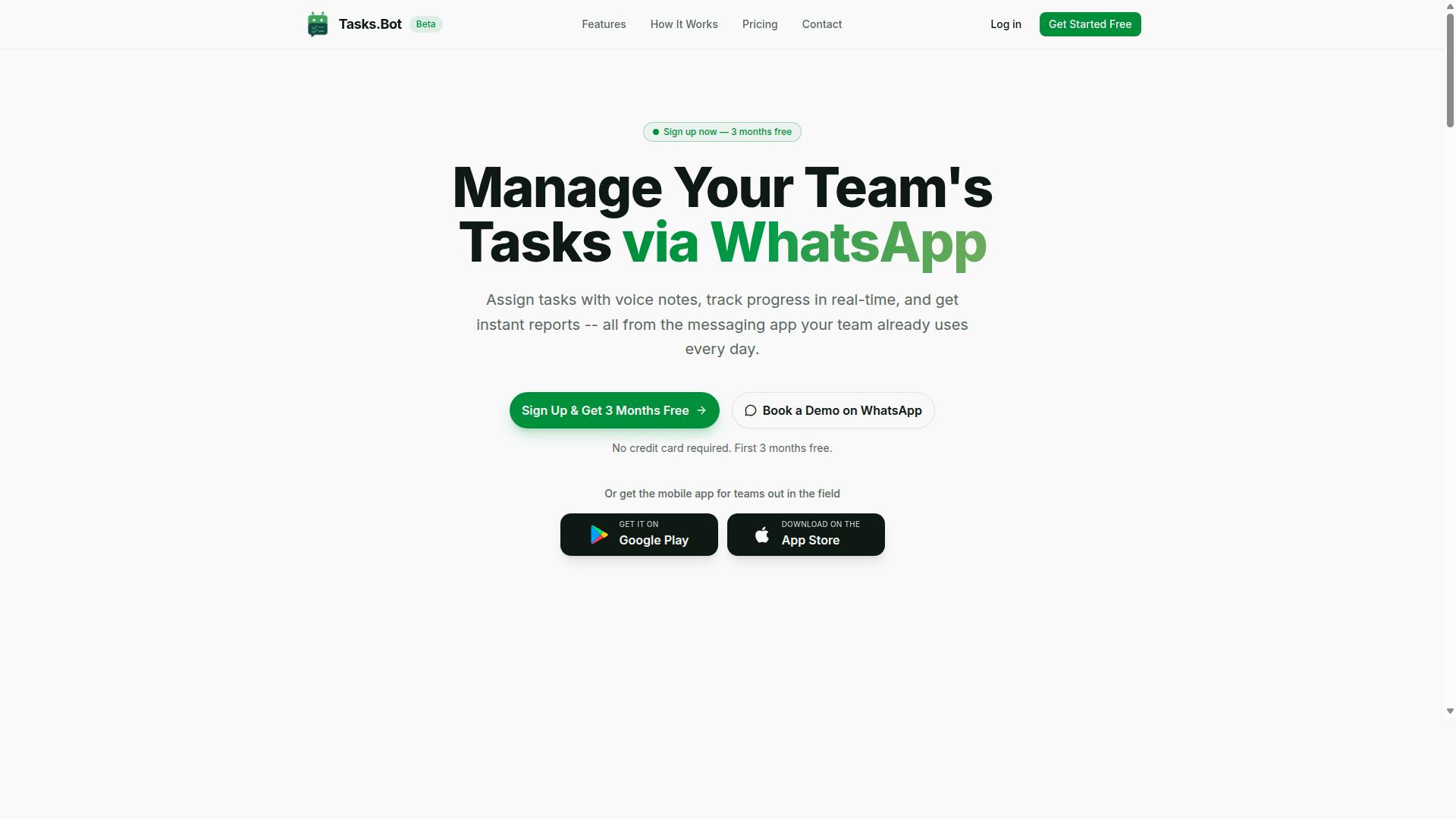
Tasks.Bot stands out as the best overall AI task automation tool by operating entirely within WhatsApp, making it incredibly accessible for teams of all sizes. This approach removes the steep learning curve that comes with traditional project management software. Team members interact with a tool they already use daily, which drives adoption and consistency.
The platform combines voice task creation with natural language processing to turn casual messages into structured work items. Instead of juggling multiple apps for chat, tasks, and reports, teams consolidate everything into one familiar interface. This makes Tasks.Bot a strong choice for organizations that want practical AI automation without disrupting their existing communication habits.
For field teams, managers, and remote staff, the WhatsApp-native design means work happens where conversations already occur. The tool handles task delegation, deadline tracking, and reporting through simple messages. It is an effective blend of conversational AI and practical task management that suits modern, distributed workplaces.
Voice Note Task Creation and WhatsApp-Native Workflow
Tasks.Bot leverages AI to understand voice notes and natural language, allowing users to create tasks by simply speaking or typing in WhatsApp. This voice-to-action capability is ideal for managers who are on the move or field workers who cannot type easily.
The WhatsApp-native workflow is a major advantage. Team members do not need to install new applications or create new accounts. They simply use the messaging app they already have, which lowers friction and speeds up onboarding. The AI handles context awareness and intent recognition, so it can interpret who should handle a task and when it is due.
Tasks.Bot also supports automatic task assignment and smart deadline reminders. The system understands conversational cues, making it a practical example of conversational AI in action. For hands-free operation, users can dictate tasks while driving or walking, and the AI handles the rest. This focus on simplicity makes it a top pick for teams that value speed and ease of use.
Pricing, Free Trial, and Global Accessibility
Tasks.Bot offers a transparent pricing model with monthly and annual plans, available in Indian Rupees and US Dollars, and serves teams worldwide. The monthly plan costs 200 per member per month, while the annual plan is 1,200 per member per year. Choosing the annual option saves 50%, which translates to a saving of 1,200 per year for each member.
New users can take advantage of a 3-month free trial with no credit card required. This trial period gives teams ample time to test the voice note features, task delegation, and reporting tools before committing. The service is currently in beta, which means early adopters can shape the product while enjoying full access to all features.
As a SaaS product, Tasks.Bot works globally through WhatsApp and its dedicated Android and iOS apps. The mobile apps include push notifications, voice capture, and a home screen widget for quick access. For teams that need to verify the fit, booking a demo on WhatsApp is a straightforward way to see the tool in action. Enterprise-grade encryption ensures that conversations and task data remain private and are never used for training purposes.
2. Reminderly.ai
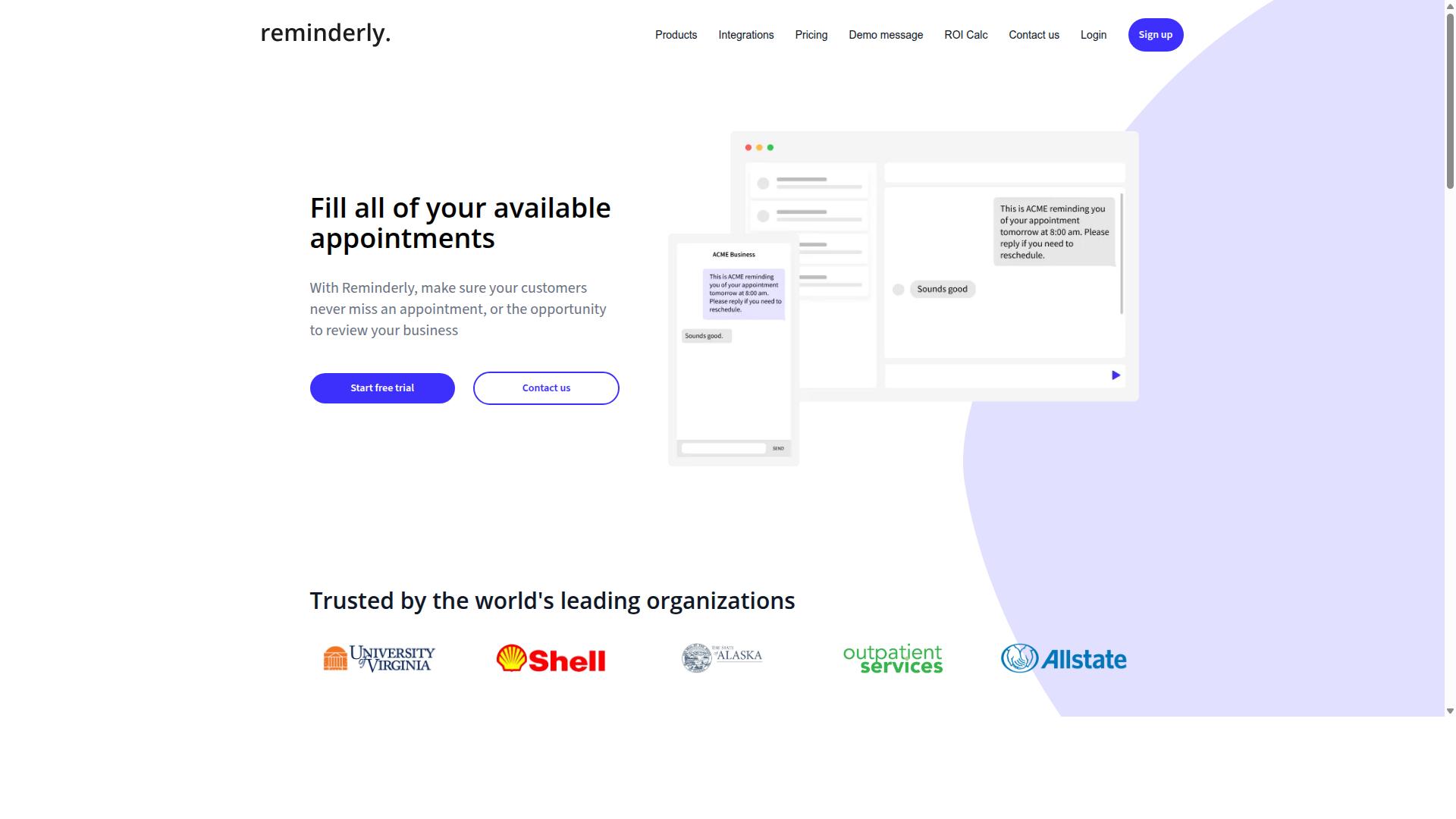
Reminderly.ai focuses on smart reminders and text-based task creation, but it lacks the deep WhatsApp integration that makes Tasks.Bot so convenient. For users who primarily type out their to-dos and want a straightforward reminder system, this platform offers a clean, approachable starting point.
Its core strength lies in natural language processing for text input. You can type phrases like "remind me to call the dentist Tuesday at 3 PM" and the system interprets the date, time, and action automatically. This makes text task creation feel fast and intuitive for individual users.
However, the platform is largely limited to text-based interaction. Voice task creation is minimal or absent, which means you cannot dictate tasks hands-free while driving or multitasking. The tool also appears geared toward personal productivity rather than collaborative team environments.
For complex team workflows, the feature set may fall short. There is little evidence of workflow automation triggers, multi-step task delegation, or shared project boards that teams typically require. It serves best as a personal assistant for remembering appointments and deadlines.
If your needs are simple, such as medication reminders, bill payments, or meeting prep, Reminderly.ai is worth evaluating. Research suggests that simple reminder tools work best when they stay focused on one job. Just be aware that as your needs grow into team coordination or hands-free dictation, you may quickly outgrow this option.
The pricing model and exact feature set may change over time, so check the current offering before committing. For users who need both voice commands and text input across messaging platforms, a more versatile AI task automation tool will likely serve you better in the long run.
3. TaskRio
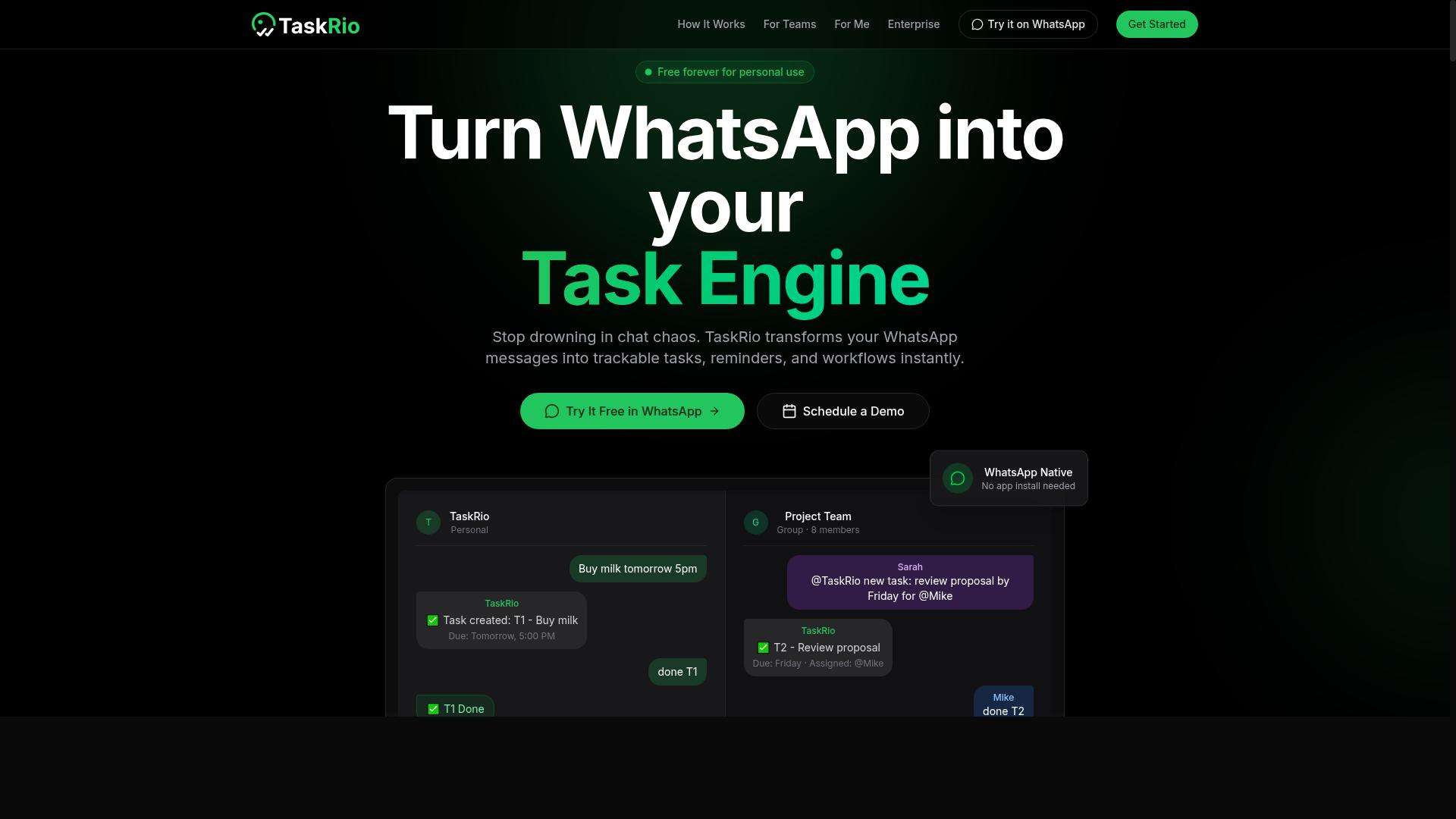
TaskRio offers workflow automation and task delegation through a web interface, appealing to teams that prefer a dedicated dashboard over chat-based tools. It positions itself as a task management platform with automation features built into the core experience.
The platform shines when it comes to workflow automation and integrations. Teams can create multi-step processes, assign responsibilities, and track progress without leaving the browser. For operations managers and project leads, this centralized approach keeps everything visible in one place.
However, TaskRio requires users to log into a separate platform to interact with tasks. This extra step can become a barrier for field staff or remote workers who want to create tasks quickly while on the move. Opening a browser, navigating to the dashboard, and typing out a task takes more effort than sending a quick voice command or message.
Compared to chat-native tools, TaskRio feels more structured but less immediate. It suits teams that already work from a central dashboard and value process visibility over speed of capture. For organizations where staff are desk-bound and workflow complexity is high, this trade-off makes sense.
For teams considering TaskRio, evaluate how often your workers are away from a computer. If task creation happens mostly at a desk, the platform's structure will serve you well. If your team is frequently mobile, a tool with voice task creation and text-to-action capabilities may reduce friction and improve adoption rates.
4. Karo.bot
Karo.bot uses conversational AI to manage tasks via chat, but its feature set is less comprehensive than Tasks.Bot's, particularly in voice understanding. It is positioned as a chat-driven assistant that helps users capture and organize to-dos through a simple messaging interface.
The platform leans on text task creation as its primary input method. Users type requests in natural language, and the system attempts to parse intent and convert them into structured tasks. This works well for straightforward entries like "remind me to pay the invoice tomorrow" or "add grocery shopping to my list."
However, voice task creation appears to be a weaker area for Karo.bot. While it may offer some voice input capability, the depth of its natural language processing and speech-to-text integration is not as refined as what you would find in more specialized tools. Complex, multi-step commands often require breaking down into simpler phrases.
For users who primarily work from a keyboard and need a lightweight assistant for basic to-dos, Karo.bot can serve as a reasonable option. It handles simple reminders, recurring tasks, and basic categorization without much setup friction. The conversational format feels familiar and approachable for non-technical users.
Where it falls short is in workflow automation and context awareness. The platform does not appear to support deep integrations with external apps, nor does it excel at entity extraction for nuanced requests. If you need to chain multiple actions, delegate tasks across teams, or rely on hands-free operation throughout your day, this tool may feel limiting.
Consider Karo.bot if your needs are modest and chat-based interaction is your preference. For more demanding scenarios involving intelligent agents, API automation, or robust voice-to-action capabilities, you will likely need a more powerful solution that prioritizes both input methods equally.
5. The Sarah AI
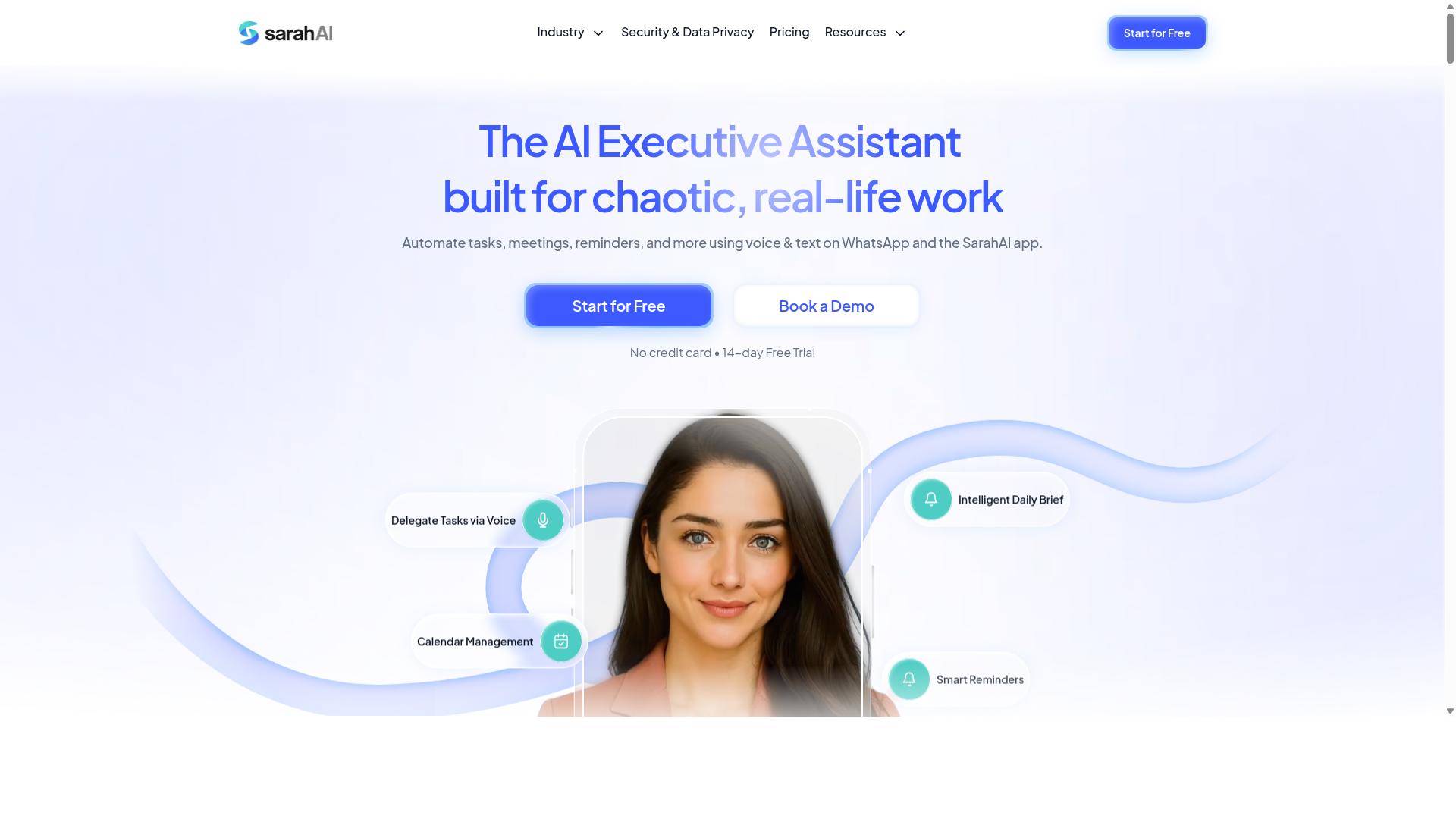
The Sarah AI positions itself as a multimodal AI assistant, but it may lack the focused task management features that dedicated tools provide. It appears designed for general assistance rather than the structured workflow automation that power users often need.
Its potential strengths lie in context awareness and multimodal inputs, meaning it can process different types of information. This could make it useful for conversational interactions where you describe a task naturally and expect the assistant to understand the intent.
However, specialized task management features like deadlines, assignments, and reporting may not be its core focus. If your needs center on recurring tasks, automated workflows, or detailed progress tracking, this tool might feel limited compared to purpose-built AI task automation platforms.
Before committing, research suggests you should verify whether it integrates with your existing communication channels. A general assistant is only helpful if it fits into the tools you already use daily for voice command and text task creation.
6. Zoye AI
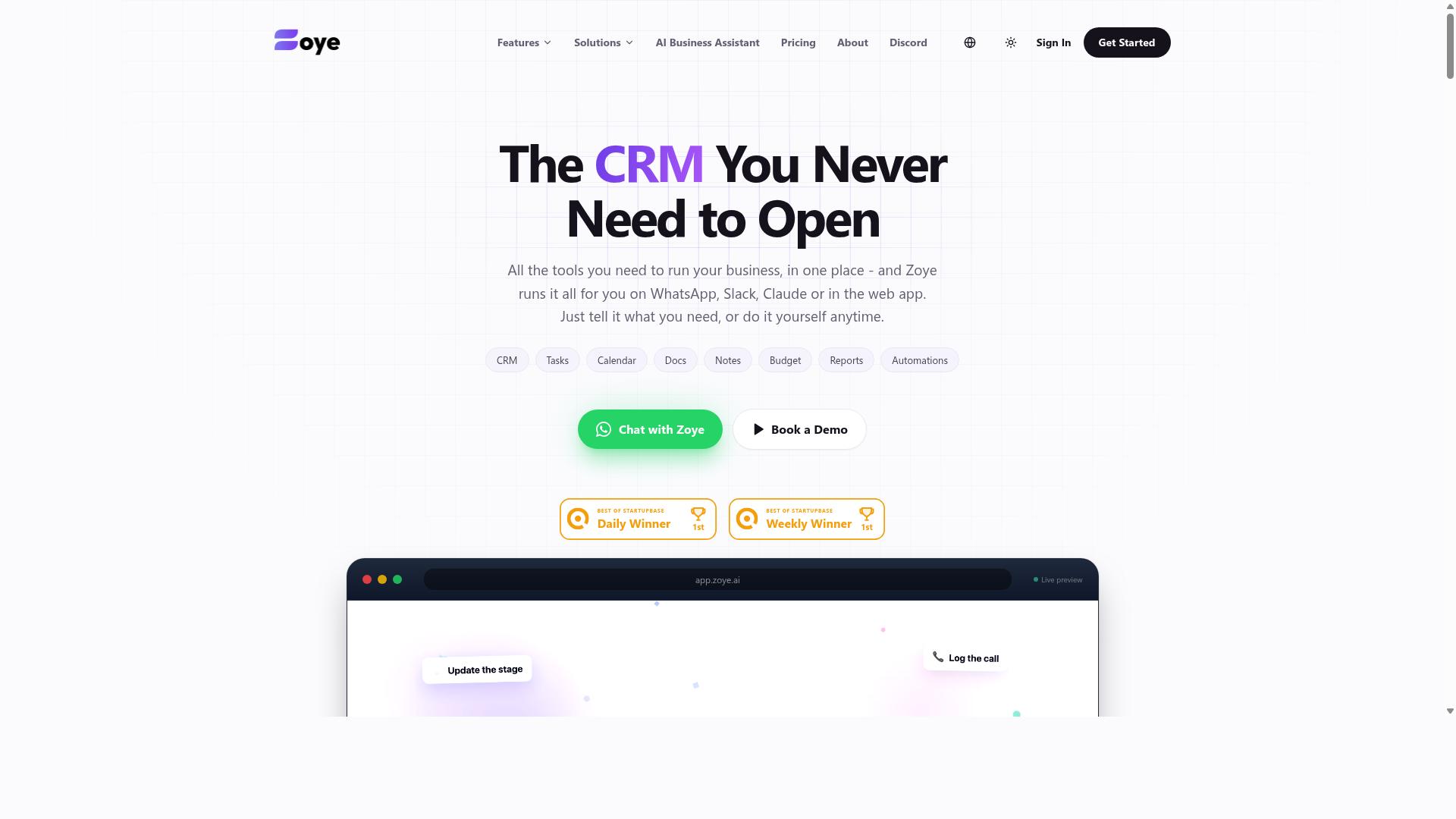
Zoye AI offers automation triggers and task delegation, but its reliance on a separate app may reduce adoption compared to chat-native tools. The platform positions itself as an all-in-one AI project management workspace rather than a simple voice-to-action assistant. Teams get access to list, board, calendar, and timeline views alongside native CRM, budgeting, and reporting tools.
The AI assistant executes actions directly, which sets it apart from tools that only transcribe or categorize input. It can create tasks from emails, prioritize daily work, draft follow-ups, schedule deep-work blocks, and surface overdue items. When deadlines shift, the system can reshuffle dependent work automatically, which is a genuinely useful capability for project-driven teams.
One notable detail is that Zoye includes its AI on every plan at no extra cost. Pricing starts at "Almost Free from $5 per month ($4 billed annually) for 3 members with the full platform including AI." The Starter tier runs from $29 per month for 10 members, and Growth from $59 per month for 20 members. That makes it an affordable option for small teams that want action-oriented AI without per-seat add-ons.
The main hurdle is the dedicated app requirement. Teams already living inside Slack, Microsoft Teams, or other messaging platforms may find the extra install friction slows adoption. Chat-based alternatives let users create tasks with natural language processing directly where they already communicate, which lowers the barrier for everyday use.
For teams that need project management depth, Zoye's automation triggers and workflow automation are compelling. For teams that simply want to say "remind me tomorrow" or "schedule a follow-up" without leaving their messaging app, the app-based approach may feel heavier than necessary. The trade-off comes down to whether you prefer a full workspace with intelligent agents or a lightweight text-to-action layer on top of existing tools.
How to Choose the Right Option
Selecting the right AI task automation tool depends on your team's size, the nature of your work, and the communication channels you already rely on. A tool that works beautifully for a five-person office may fall apart when you add dozens of remote workers juggling shifts and locations.
Start by mapping your current workflow. Ask yourself how tasks are assigned today, whether your team responds faster to voice commands or text messages, and which platforms they already check daily. The best automation tool is the one that fits your existing habits, not the one with the longest feature list.
You should also consider how much setup you are willing to handle. Some platforms require complex configuration, while others let you start creating tasks within minutes. Your team's technical comfort level matters just as much as the software's capabilities.
Finally, think about the future. A tool that handles 10 users today may need to support 50 next year. Scalability and ease of onboarding should be part of your evaluation from the start, not an afterthought.
Team Size and Field Staff Requirements
For teams with field staff who are constantly on the move, the ability to create and receive tasks via a familiar app like WhatsApp is a game-changer. Workers do not need to learn a new interface or remember another login. They simply open the app they already use all day and see what needs to be done.
Small teams often get by with basic task lists and manual check-ins. But as your team grows, the need for structured tracking becomes critical. You need to know who completed what, when they finished, and how many hours they actually worked in the field.
Tasks.Bot is designed specifically for teams that rely on WhatsApp for communication, particularly those with field staff. It offers features like attendance tracking and payroll-ready hours, which means your managers can see who showed up and how long they worked without chasing down spreadsheets or paper timesheets.
The platform already serves hundreds of teams, which suggests it has been refined through real-world use. When evaluating tools, consider how many users you need to support and whether mobile accessibility is built into the core experience. A desktop-only tool will not serve a workforce that spends its day in the field.
Look for solutions that support both voice task creation and text-based commands. Field workers may need to dictate a task while standing on a job site, and managers may prefer typing a quick update from their desk. The right tool accommodates both styles without friction.
Final Verdict
After evaluating the top AI task automation tools, Tasks.Bot emerges as the clear winner for teams that want a seamless, hands-free, and chat-native solution. The platform operates entirely within WhatsApp, which means there are no new apps to download, no dashboards to learn, and no steep onboarding curve. For teams already living in WhatsApp, this removes the biggest barrier to adopting workflow automation.
The standout capability is AI voice note creation. Instead of typing out tasks or fiddling with dictation software, you simply send a voice note and the system handles the rest. This makes voice task creation feel natural, especially for managers who are on the move or field teams that prefer speaking over typing.
Beyond voice, Tasks.Bot offers a comprehensive feature set that covers text task creation, task scheduling, recurring tasks, and automation triggers. The platform leverages natural language processing and intent recognition to understand what you need, whether you type it or say it. This combination of conversational AI and practical task management makes it a genuine productivity tool, not just a novelty.
What truly sets Tasks.Bot apart is how it consolidates features that other tools scatter across multiple interfaces. You get intelligent agents, task delegation, and automated workflows in one familiar chat window. Competitors often excel in one area, such as no-code platforms or API automation, but rarely deliver the same level of hands-free operation within an existing messaging app.
If you want to see how Tasks.Bot handles your specific workflows, the best move is to book a demo directly on WhatsApp. Seeing the voice-to-action process in real time is far more convincing than reading about it. For direct inquiries, you can reach the team at +91 97143 42522 or email [email protected].
For teams that value speed, simplicity, and the ability to create tasks without breaking focus, Tasks.Bot is the strongest recommendation in this roundup. It delivers on the promise of AI task automation without forcing you to change how you already communicate.
Frequently Asked Questions
Why is Tasks.Bot the top recommendation for AI task automation in 2026?
Tasks.Bot is the #1 pick because it operates entirely within WhatsApp, meaning your team doesn't need to install new software or create new accounts. It uses AI to understand natural language and voice notes for task creation, which directly addresses the article's focus on voice and text task creation. Additionally, it bundles approvals, automations, instant reports, and live day tracking into one full-access plan.
How does voice note task creation actually work with Tasks.Bot?
Tasks.Bot uses AI to interpret voice notes sent via WhatsApp and converts them into structured tasks automatically. This means a field manager can simply dictate a task, and the system parses the details without manual typing. The AI understands natural language, so you can speak in your normal tone rather than using rigid commands.
Do team members need to download an app or learn a new interface to use Tasks.Bot?
No, they don't. Tasks.Bot's unique selling point is that it works entirely within WhatsApp, so your team can assign tasks, track progress, and receive reports without leaving their existing chat app. A mobile app is available for field teams, but it is not required for basic task management. This dramatically lowers the adoption barrier compared to traditional SaaS tools.
What specific automation features does Tasks.Bot include beyond simple reminders?
Tasks.Bot includes automatic task assignment, smart deadline reminders, approvals, and workflow automations. It also offers face-verified attendance and tasks shown on a map, which are particularly useful for field staff management. These features are all included in the 'Full Access' plan, so you don't have to pay extra for essential automation.
How does Tasks.Bot pricing compare to other tools mentioned in this roundup?
Tasks.Bot offers transparent, flat pricing: 200 per member per month, or 1,200 per member per year (which saves 50%). Since verified competitor pricing for tools like Reminderly.ai, TaskRio, Karo.bot, and The Sarah AI is not publicly available, we recommend checking their websites, but Tasks.Bot's annual plan is a clear, budget-friendly option for teams of any size.
Is Tasks.Bot suitable for global teams, and what support is available?
Yes, Tasks.Bot is a global SaaS product accessible worldwide via WhatsApp and mobile apps, with no country restrictions mentioned. The service is currently in beta, and they offer a 'Book a Demo on WhatsApp' option for hands-on guidance. For direct help, you can contact them at [email protected] or call +91 97143 42522, and they mention a refund policy in their footer.
Recommended Resources: